Install Ollama
The free, open-source engine that runs the AI models on your own machine.
Download Ollama ↗Privilege-safe by architecture: docuchat runs entirely on your own computer, so your documents never touch a cloud. It reads your contracts, transcripts, pleadings, and exhibits and answers in plain English, with every fact cited to the exact page and passage (for depositions, the exact page and line) and mechanically verified against the source. Every answer carries a pin cite you can read into the record.
Free & open · no account · no sign-up · run it from source today
Built for the firms that live in documents













A first-run wizard inside the app walks you through each step and checks it off. Everything else (parsing, search, OCR, and the citation checker) is built in.
After setup, pull the network cable. It all runs offline.
Download for Mac ↓The free, open-source engine that runs the AI models on your own machine.
Download Ollama ↗Open it: the first-run wizard fetches the models (qwen3 + bge-m3, ~10 GB) for you, once. Then you're set, fully offline.
Download for Mac ↓One-time setup downloads the models from the internet. After that, your documents stay 100% local, searched, read, and answered entirely on your computer. No cloud. No account. No telemetry.
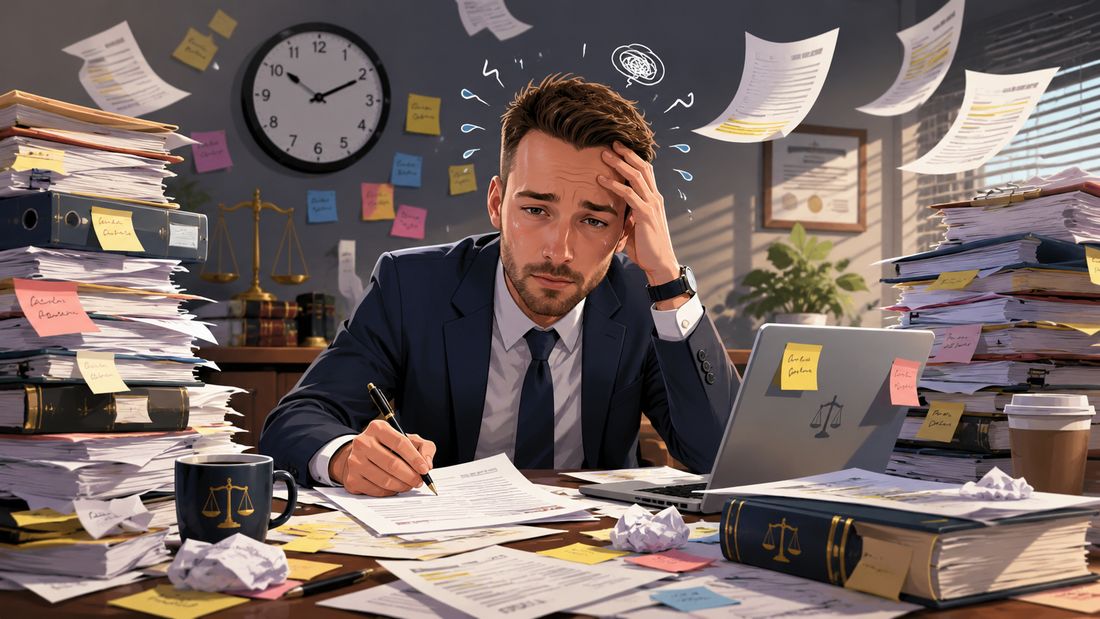
The problem
Contracts, transcripts, exhibits, correspondence. The clause you need is buried on page 38 of one of two hundred files, and the clock is running.
docuchat reads the whole matter and hands you the passage, pinned to the file, page, and line, so you can confirm it in one click instead of digging for an hour.
Every quote is checked against the source before you see it: 98.4% page and span citation accuracy (62 of 63), with zero fabricated citations, measured on our open evaluation.
How docuchat differs from sending privileged documents to a cloud chatbot.
| Feature | docuchat | Cloud AI chatChatGPT / Claude / Gemini |
|---|---|---|
| Where your documents go | Stay on your machine, loopback only (127.0.0.1) | Uploaded to a third-party cloud |
| Models | Local, open-source via Ollama | Closed, vendor-hosted |
| Citations | Mechanically verified to page and exact span | Often unverified or hallucinated |
| Works offline / air-gapped | Yes, after a one-time model download | No |
| Cost | Free, no API keys or per-token billing | Subscription or per-token |
| Attorney-client privilege | Preserved, nothing leaves the machine | At risk, data leaves your control |
Book a call and we'll walk through install, your first matter, and how the citations work. No phone tag, no sales pitch.
No license servers, no lock-in. Star it, share it with a colleague, or send a pull request. It's yours to run and to read.
docuchat is a private, local AI for legal documents. It runs entirely on your own computer and lets you ask plain-English questions across your contracts, transcripts, pleadings, and exhibits, with every answer cited to the exact page and span it came from. It is free and open source under the MIT license.
No. The query path makes no cloud calls and needs no API keys. Your documents are never uploaded to OpenAI, Anthropic, Google, or any third party. Inference, embeddings, OCR, and storage all run locally, and the service binds to loopback (127.0.0.1) only. If you connect an import source (Gmail, Notion, Zoom, and 25 more), that connection pulls your documents IN from that service when you ask it to; nothing goes the other way, and the security page lists every call.
Yes. After a one-time local model download through Ollama, docuchat runs with no internet connection.
Yes. Mark an upload as a transcript and answers cite the exact page and line (for example p.45:12-18). The line numbers are derived from the verified quote itself, never guessed by the AI; if a quote appears twice on a page, you get a page citation instead of a wrong line. A one-click digest reads the entire transcript and produces a Word table where every row is a verified verbatim quote with its cite. Condensed four-per-sheet transcripts are detected and declined so line numbers are never wrong; upload the full-size transcript or the ASCII text file from your court reporter.
Yes. Image-only pages are routed through local Tesseract OCR, while born-digital pages keep the fast text path. Tables and exhibits are extracted as structured, citable content. OCR runs about a second per page on your own machine, so a large scanned collection is best left to ingest overnight; typed PDFs index in minutes.
Every cited quote is checked character-by-character against the retrieved source before you see it, so a fabricated or altered quote yields zero citations. On our open evaluation, page and span citation accuracy was 98.4% (62 of 63), with zero displayed fabrications.
Those tools send your documents to a third-party cloud, which is a non-starter for privileged, confidential material. docuchat keeps everything local, uses open-source models, and mechanically verifies every citation to a real page and span.
No. It is a cited-retrieval assistant: it locates and summarizes what your documents say, with citations you verify. It gives no legal advice, draws no legal conclusions, and takes no actions.
docuchat is free and open source under the MIT license. There are no API keys, no per-token billing, and no subscription.
Local open-source models through Ollama (qwen3:14b for chat, bge-m3 for embeddings), with FastAPI, LanceDB for vector search, and PyMuPDF, Docling, and Tesseract for parsing and OCR. The retrieval and answering path is hand-rolled, with no LangChain and no LlamaIndex, for a transparent citation trail.
The macOS app is available now as a signed, notarized one-click download (Apple Silicon). The Windows app is in progress and will be linked here when it ships. You can also run docuchat from source on macOS, Windows, or Linux with Python and Ollama, and the first-run wizard inside the app downloads the local models for you.
I am the person who builds this. Tell me what you practice, what you are trying to get out of a pile of documents, or what broke. I read every message.